
The Problem
Recently, I needed to read a research paper about artificial intelligence in PDF format. The paper was 20 pages long, and I knew that manual translation would take several hours. Online translators don't work with PDF files, and copying text manually is a waste of time.
The Solution
I learned about SonikaAI's PDF translator — a service that automatically translates documents. I decided to try it.
What I Did:
- Uploaded the PDF file — clicked the file selection button and chose the file
- Selected languages — source language: English, target: Ukrainian
- Clicked "Execute Workflow" — that's it!
The Result
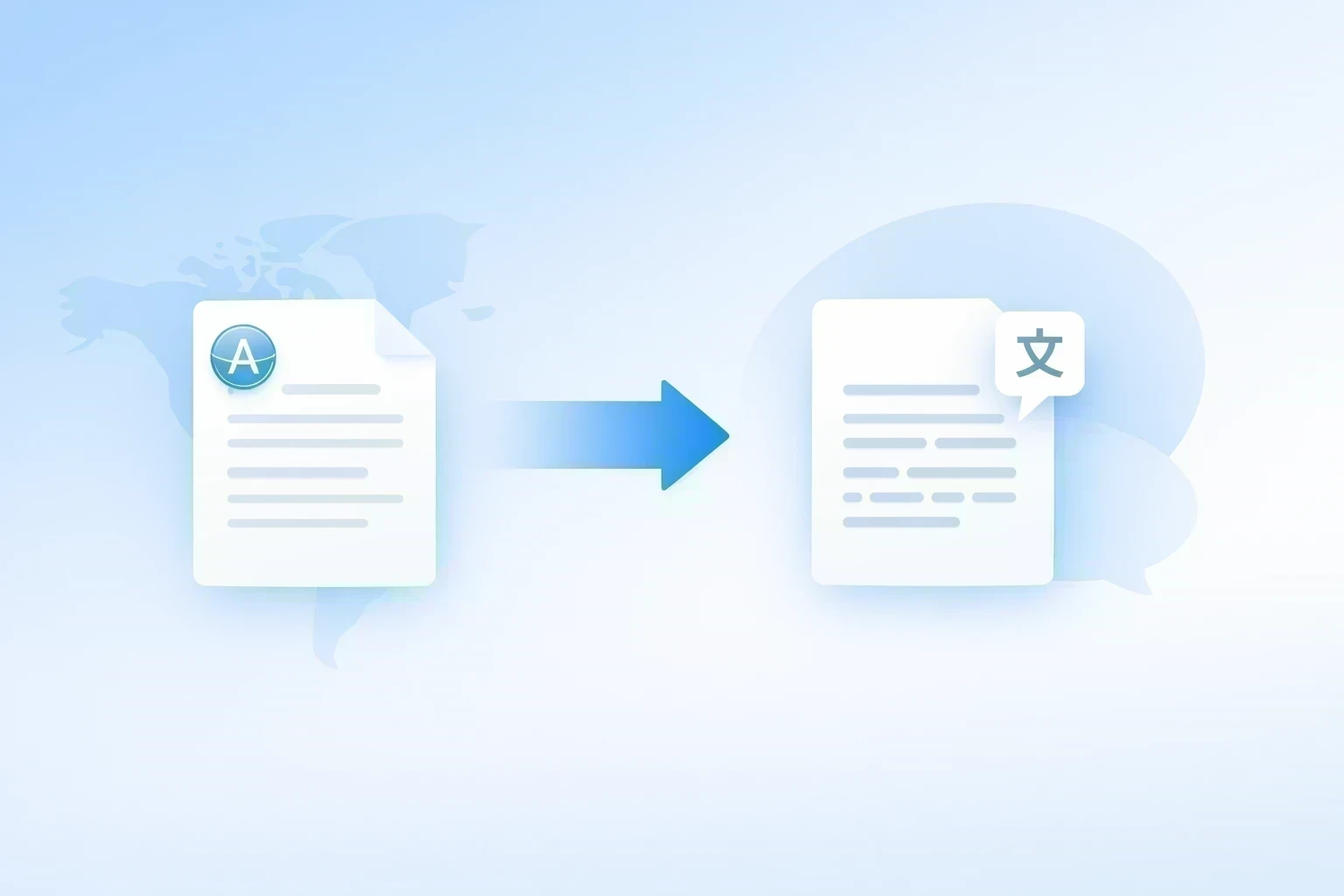
In 5 minutes, I received a fully translated PDF file in Ukrainian. The text was professionally translated, the document structure was preserved, and I could start reading immediately.
What This Means for Me:
- Time Savings: 5 minutes instead of several hours
- Simplicity: no need to copy text manually
- Quality: professional translation instead of machine translation
- Convenience: I can read in my native language
Conclusion
Now I use SonikaAI for all my documents — articles, books, educational materials. This changed my approach to learning. I can quickly familiarize myself with any English text without spending hours on translation.
If you're a student, researcher, or just love reading — try SonikaAI. It's free to start, and you'll see results in 5 minutes.