
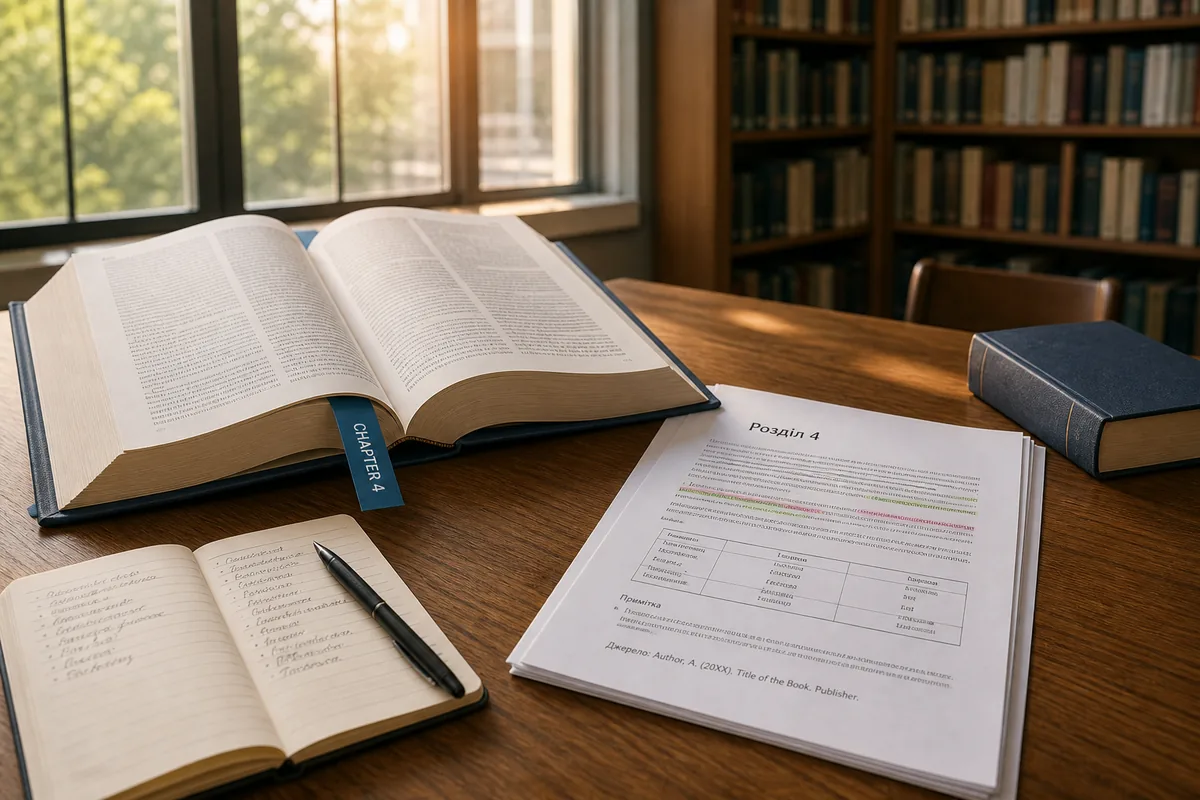
Translate a specific page range from a large foreign monograph with SonikaAI — get the chapter you need, with formatting preserved, without processing the whole book.
A 300-page foreign monograph sits on your desk. Inside is exactly what you need: the methodology, the data, the case analysis. But you don't need all of it right now — just one specific section for a specific task. The problem isn't that the language is completely unfamiliar. You can read it. But dense professional text with specialist terminology turns every page into a dictionary session: unfamiliar term, search for meaning, find your place again, next term. An hour per page, and by the time you reach the end of a paragraph you've forgotten how it began.
The usual workaround is to copy fragments into a translator — and that's where the structure breaks. Tables fall apart, footnotes lose their anchors, references have to be checked blind against the original. For research or editorial work where the accuracy of wording and citations actually matters, that's not a workable solution. So the book gets shelved "for later." Later rarely comes.
You Don't Need the Whole Book — Just the Right Pages
This is the thing: the whole book isn't needed. Chapter 4 is needed for this week. Maybe chapter 9 next month. The rest may never be relevant at all. Paying to translate all 300 pages — or spending hours manually splitting the PDF — makes no sense when selective book translation is all the task actually requires.
With SonikaAI, you set a page range before the job runs. Say pages 80–110 out of three hundred. The translation covers only that section, and the document structure is preserved — headings stay headings, tables stay tables, references stay where they belong. Next time you need the same book, you upload it again and set the next range. You pay only for the pages you actually process, not the full volume.
How the PDF Page Range Translation Works in Practice
Upload your PDF, choose the target language, and enter the page range you need. SonikaAI handles the rest in the background — no need to keep a tab open. When the result is ready, you have a readable translation of that chapter: you can follow the argument, move back to earlier paragraphs, check terms in context, and cite passages with confidence. Not an hour per page with a dictionary — a full chapter in an evening. Researchers working with large academic books in foreign languages, and students who need access to a single chapter of a foreign monograph for a paper, both get exactly the section they need without the overhead of the full volume.
This approach also matters for professionals who need a research document translation where precision counts. When the document structure is preserved in translation — not flattened into plain text — you can actually use the result as a working document: quote from it, reference it, build on it. That's a different thing from pasting fragments into a browser translator and hoping the meaning survives.
If you have foreign professional literature you can't get into because of its volume, you don't have to translate the entire book. Start with the section that matters for your current work. No plan required for a single run — upload the file, set the range, and pay only for that part. You can try the opening pages free before committing to anything. See how PDF page range selection works in SonikaAI or read about working with books not yet translated into your language.
Ready to get the chapter you actually need? Start Free — no card required, and the opening section of your file is processed free so you can see the result before paying for the rest.