
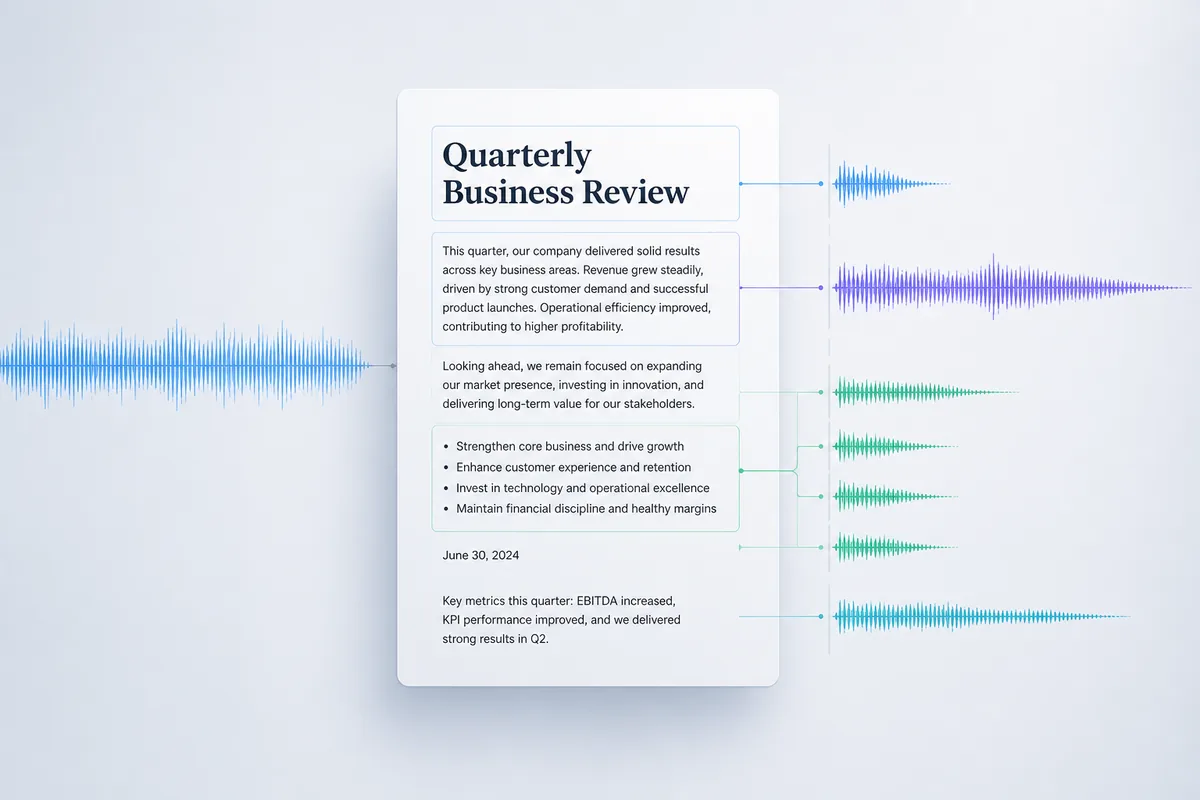
Most text-to-speech tools treat a document as one long string of words. Every sentence lands with the same flat intonation, abbreviations get mangled, and a new section bleeds straight into the one before it — no pause, no signal that something has changed. After half an hour of that, you're more drained than if you'd just read the thing. The whole point of audio is to free up your eyes, but you still end up glancing at the screen to keep your bearings.
The problem gets worst at structural boundaries — headings and lists. A standard TTS engine has no idea that a heading is a heading. It ploughs straight through, so "Section 3: Risk Assessment" sounds exactly like the sentence that came before it. Lists fare no better: the voice barrels through each item without the natural beat a human reader would place before moving on.
SonikaAI takes a different approach to structured document reading. Before synthesis begins, the service analyses the document's structure — identifying headings, list entries, sentence endings, and abbreviations worth expanding. That context then shapes how the narration is built: pauses land where a human would place them, intonation shifts at the start of a new section, and dates or units of measurement are read the way you'd naturally say them rather than sounded out digit by digit. The result isn't a monotonous stream — it's audio with clear boundaries between semantic blocks, something closer to a narrator reading aloud than a machine reading text.
In practice, the difference shows up immediately. Headings sound like headings — there's a short pause before them and a slight change in tone that signals "new topic." A colon before a list produces the same beat a speaker would use to introduce items. Abbreviations that would normally be read letter by letter are handled sensibly within context. It's not a voice actor or a live announcer, and it's worth checking the result on your own material — especially if your document is heavy on domain-specific terms or proper names. But for reports, manuals, and long articles, the improvement over flat text to speech documents is substantial. The narration voice also matches the output language automatically, so there's no foreign accent regardless of which of the 13 supported languages you're working in.
Pricing for document narration is based on audio length rather than page count — the exact figures are on the SonikaAI pricing page. A sensible first step is to run a short section — a chapter or a few pages — to hear how your material sounds before committing to the full document. By default, SonikaAI processes only the opening portion of a file for free, which is exactly that kind of low-risk preview. If the result works for you, running the rest is straightforward. The job processes in the background, so you don't need to keep a tab open while it finishes.
This kind of natural-sounding TTS is useful for anyone who regularly listens to work documents on a commute or during a walk — a consultant working through a stack of reports, a researcher listening to papers while away from a desk, or an editor checking a long draft without staring at a screen. If you're tired of the mechanical monotone and want to hear what structure-aware narration actually sounds like on your own files, create a free account and try your first document — no card needed. For more on how voice selection works across languages, see how to choose the right voice for document narration.