
Listen to your book or document instead of reading it

You need to get through it โ€” but not with your eyes on a screen. Upload the file and choose a voice: SonikaAI narrates the text in its original language, and you listen on the move, on a walk, or while you get on with the day.

Upload the whole file, not a chunk at a time

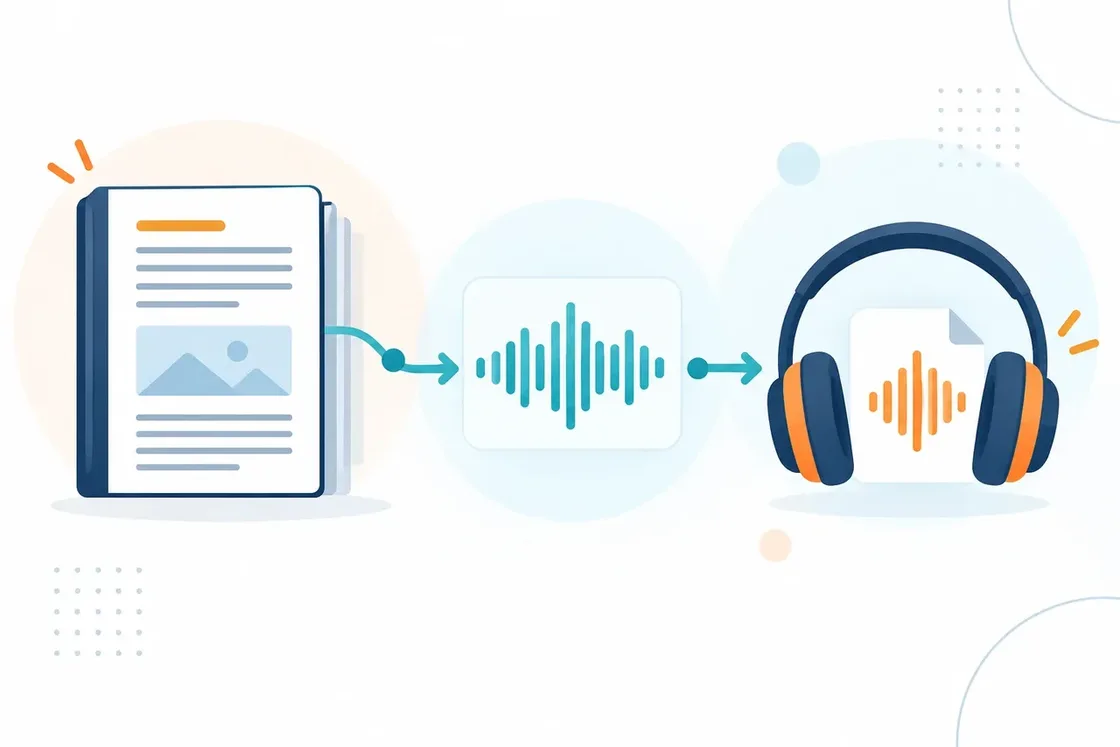
Many narration tools only take text you paste in yourself โ€” so a book or a document has to go across in chunks, and you have to keep track of where you stopped. SonikaAI takes the whole file: upload the entire PDF, EPUB or Word document, with no copying by hand. For PDFs you can also pick the pages you want.

A whole document file being uploaded in one piece and turning into an audio waveform

What makes the audio version work

The voice and a natural rhythm

Listen to the voice samples for the language of your file, and check how names and terms are pronounced on a sample. SonikaAI also takes headings and paragraphs into account when placing pauses, so the text is easier to follow by ear.

Main text or full narration

Choose main text to skip recognised running heads, page numbers, notes and bibliographic references โ€” the usual choice for books. If you want those parts, choose full narration: it adds them where the file has them.

One audio file for your player

If SonikaAI recognises the chapters, you get one M4A file with chapter marks; if not, an MP3. Download it and listen offline โ€” the format does not depend on whether you chose main text or full narration.

Which files can be narrated

PDF, EPUB, DOCX, DOC, ODT, TXT and MD are supported. PDFs need a text layer โ€” scans with only page images are not supported. The voices available to you, and how much audio you can create, depend on your plan.

How it works

  1. 1

    Choose narration without translation and upload the file.

    Choose narration without translation and upload the file.

  2. 2

    Set the original language, the voice and the scope

    Choose main text or full narration.

  3. 3

    Start processing and get on with your day โ€” the audio is prepared in the background.

    Start processing and get on with your day โ€” the audio is prepared in the background.

  4. 4

    Download the finished file from your account and open it in your player.

    Download the finished file from your account and open it in your player.

Want to listen in another language?

Choose [translation with narration](/en/tools/translate-and-narrate) to get audio in the language you need alongside the translated text โ€” from a single upload.

Listen to your file

Start with a free sample to judge the voice and how it sounds on your own book or document. For the full narration you can pay once without a subscription, or take a monthly plan.

Narrate the file