
Restore a scanned PDF — and keep working with it
Pages will look much like before. The text becomes selectable.
The scan becomes a document again
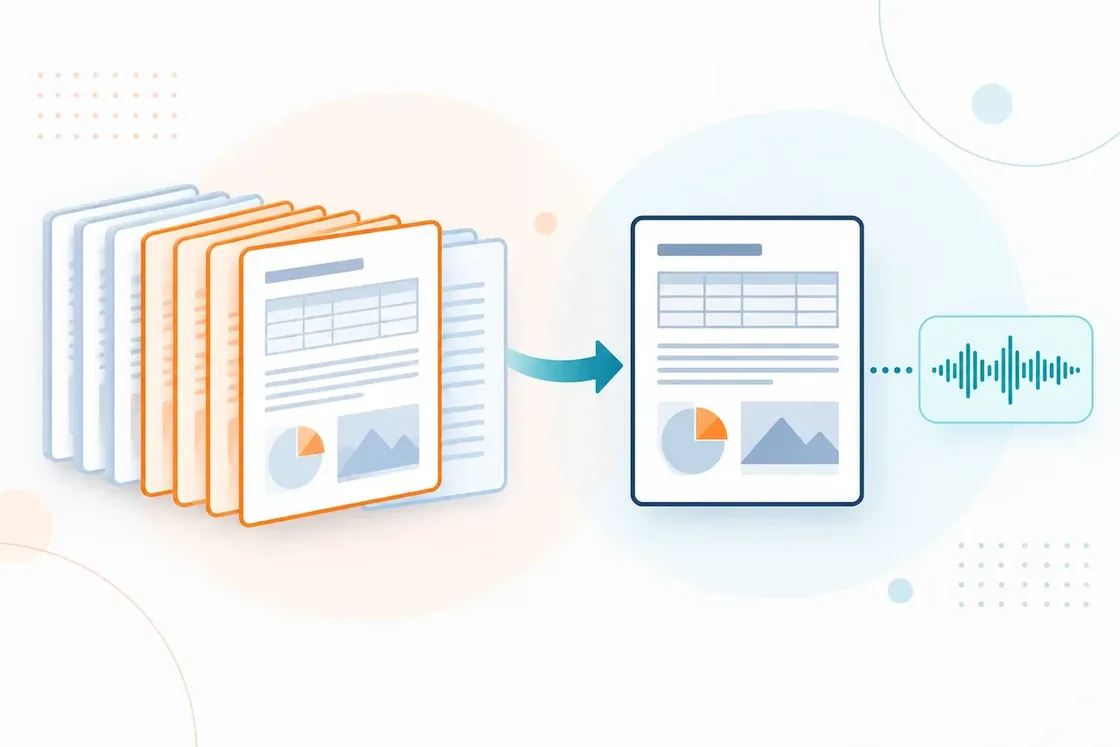
You open a PDF — and cannot select a word? Scans are often only page images. SonikaAI keeps the familiar look and adds text you can work with. The finished PDF lands in your account.
A scan is only the beginning
Once a document has text, you can do more with it: find what you need, copy passages, translate the whole PDF or listen to it. It works best on printed scans of books, contracts and reports. Handwriting is not recognized, and a very poor scan may come out only in part.
Related pages

Translate a PDF and keep the layout
Translate a PDF without rebuilding it afterwards — tables, figures and captions stay where they were. Do the whole file or just the pages you need, with narration if you want it.

Translate selected PDF pages
Need one chapter out of a long PDF? Give the pages you want translated or narrated. Upload the whole file — there is no need to split it yourself.

Translate and narrate books and documents
Translate a book or document and get audio in the target language from a single upload. Listen to study and work material whenever it suits you.
