
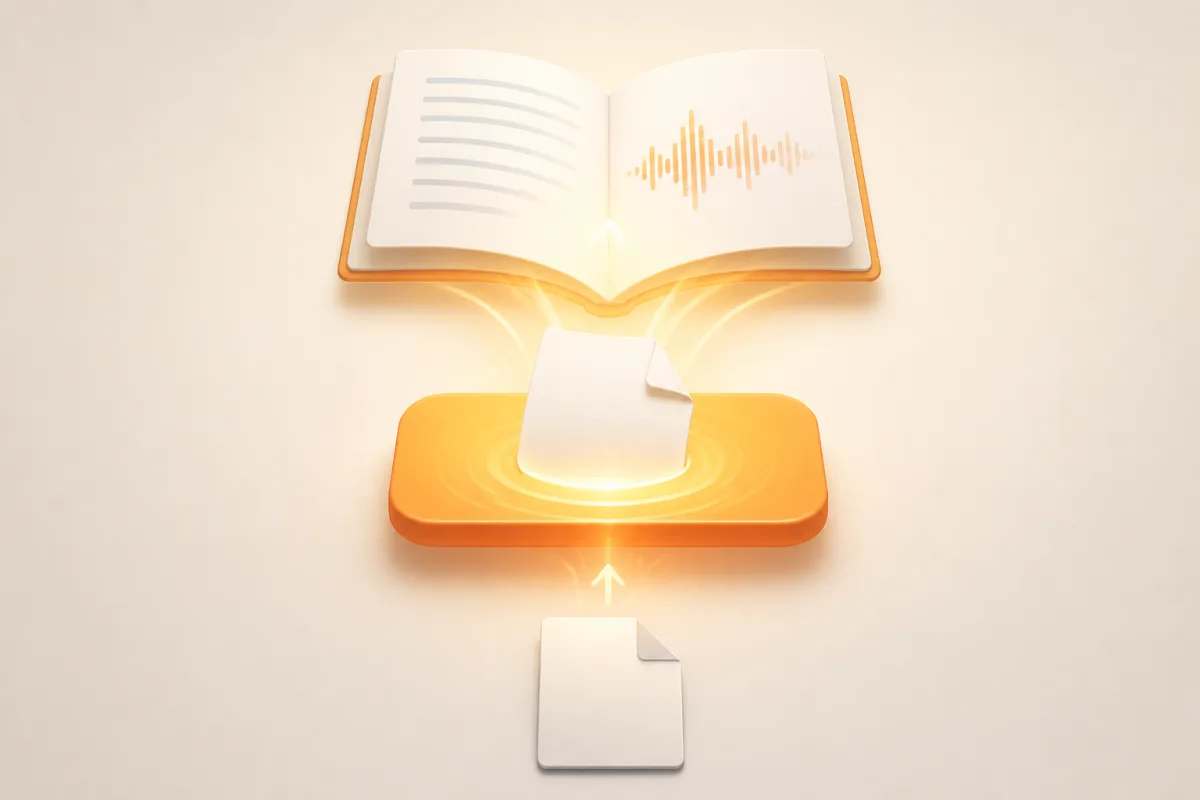
SonikaAI adds a Try Now tool, a book format converter, and proper footnote handling, plus better PDF alignment and font support for complex scripts — so you can see real results before committing to anything.
Two new tools
Try Now lets you translate or narrate a sample of your own file directly on the site, without setting up an account first. Sign in with Google, upload your file, and real processing runs — the result is a marked sample covering roughly the first five pages, with PDF formatting preserved. The format converter does something different: it changes a book's format without translating it, useful when you need an EPUB for an e-reader but only have a DOCX. Both tools save finished files to your account. For more on picking the right format for your reading device, the post on EPUB, PDF, or DOCX covers the trade-offs in detail.
Footnotes are no longer lost
Previously, footnotes could end up misplaced or drop out entirely during translation. SonikaAI now processes them as separate units: in the output PDF, each footnote sits at the bottom of its own page exactly where it belongs. During narration, you can choose to skip footnotes and hear only the main text, or have each note read aloud right after its paragraph. For scientific books, legal documents, and theological texts, this is the difference between a complete translation and one that's missing half the argument — proper footnote translation is what makes those documents actually usable.
PDF structure and font support
Translated PDFs now follow the source document's alignment, heading hierarchy, and paper size. Fonts are matched to the target script, so Cyrillic, Hebrew, and Japanese render as readable text rather than empty boxes. In EPUB and DOCX output, chapter breaks, headings, and paragraph boundaries stay in place, and line breaks inside verse or quoted passages are preserved. This is a genuine improvement, but it doesn't mean every layout comes out perfectly — complex tables and multi-column arrangements may still need a review pass after processing, and native PDFs with a real text layer are required; scanned image-only files are not supported.
If you have a book that's been sitting untouched because the footnotes or formatting made earlier attempts unusable, it's worth running a sample through now. Start Free — the opening fragment is processed without a card, so you can compare the result to the original before deciding anything.