
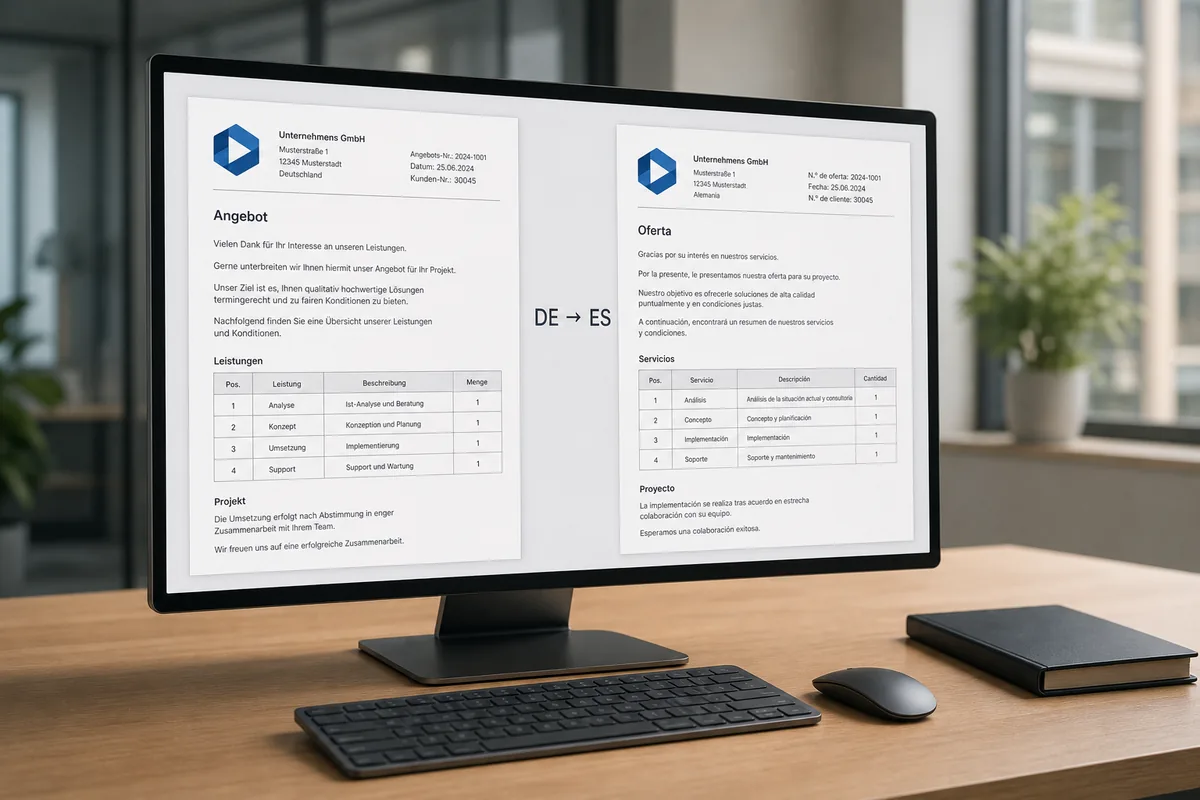
Learn how to translate a Word document without rebuilding its formatting by hand — upload a DOCX, DOC, or ODT file to SonikaAI and get a fully structured document back, with headings, lists, and layout intact, ready to edit.
The problem starts the moment a Word file lands in a foreign language. It might be a report, an instruction manual, a letter, or a contract. It needs to be edited, adapted, and handed off — but first, it has to be translated. And for most people working with Word files, that means opening the document, copying a few paragraphs into an online translator, pasting the result back, then doing the same for the next block. All while keeping mental track of which part was a heading, which was a bulleted list, and where a new section began. This is the standard workaround for anyone trying to translate a DOC file online without a tool that actually understands document structure.
The real cost is not the translation itself — it is the second job that follows. Once the text is translated in fragments, someone has to reassemble the document in Word: restore headings, reapply list formatting, reinsert section breaks. The more complex the file, the longer this takes. Hours can go into copying and layout before a single word of actual editing begins. That is the paradox: the professional work comes last, after a long stretch of pure routine.
Translate the Document, Not the Text
SonikaAI handles this differently. Instead of extracting text and losing the structure, you upload the file as-is — DOCX, DOC, or ODT. You choose the target language, start the job, and receive the document back with headings, paragraphs, and lists in their original positions. This is what DOCX translation that keeps layout actually looks like: no copy-pasting, no manual reassembly, no reformatting after the fact. The document structure after translation is the same as it was going in. SonikaAI processes the file in the background, so there is no need to wait with a browser tab open — the result is ready when you come back.
Personal Data Redaction Before Processing
Work documents — especially reports, letters, and contracts — frequently contain names, addresses, phone numbers, and other personal details that belong to other people. Before the file is sent for translation, SonikaAI can redact that sensitive information automatically. The data is masked prior to processing and restored in the finished document afterward. This personal data redaction before translation is particularly useful for anyone handling documents on behalf of clients or colleagues, where data responsibility matters. The translated output contains the text; the personal details stay protected throughout.
What You Are Left With
Automatic translation does not produce a final, publish-ready text — and it is not supposed to. Terminology still needs checking, phrasing may need adjustment, and style alignment is part of the editor's job. But there is a meaningful difference between editing a finished, properly structured document and spending the first two hours assembling one by hand. The first is professional work. The second is overhead. Freelance translators working with Word files regularly, and professionals who receive formatted documents across languages, both benefit from skipping straight to the editing stage. A new file in a foreign language no longer means "first I need to somehow put this together." It means: upload, translate, open, edit.
If you work with Word documents in multiple languages — whether you translate report Word files for clients, handle multilingual correspondence, or simply want a translated DOCX without reformatting — this approach removes the step that takes most of the time. You can also check the how it works page to see what the full processing flow looks like before uploading anything. For similar reading on keeping structure intact when translating documents, see how SonikaAI handles translation, narration, and conversion in one place. If you're weighing this against other Word translation options, the comparison page lays out the differences.
No card required to get started — sign up, upload your file, and the opening section is processed free so you can see the result before committing to the full run. Start Free and translate your first document today.