
Where to translate a PDF and keep the layout?

Compare SonikaAI, DeepL, VersQ and Google Translate: whether the pages still look right, whether you can translate one section, and what file you get back.

When SonikaAI fits

Start with SonikaAI if you need the whole PDF or just a few pages translated with the structure of the document intact. If a Word file, working in an editor or a quick free translation matters more, the table shows which service suits you better.

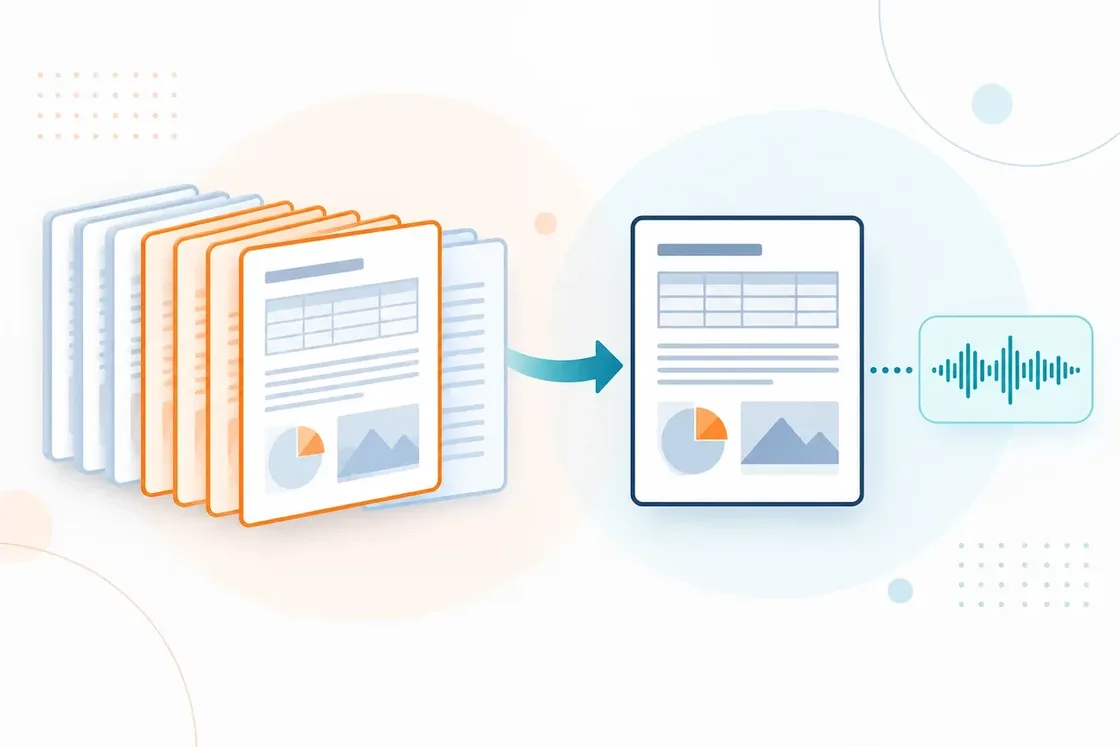
A stack of PDF pages with several pages highlighted as the selected section; beside it a translated page with the same table and diagram still in place, and off to one side an understated sound wave as an additional result.

What each service gives you

What we compare
SonikaAI
DeepL
VersQ
Google Translate
Result A PDF with the pages preserved (Document mode). PDF or DOCX, depending on the plan. A PDF with the formatting kept on paid plans; HTML on the free one. PDF, formatting not guaranteed.
Settings Language; the whole PDF or selected pages. Depend on the language and the plan. Translation model, termbase, translation memory. Language only; the whole file.
After translation Read it and check it against the original. Editing depends on the format and the plan. Review it in the built-in editor. Download it and read.
Choose it when You need all of the PDF or part of it, with audio if you want. You also need a Word file. You need consistent terminology and an editor to work in. You need a quick free translation and the layout does not matter.

The competitors’ capabilities are taken from their own official descriptions. Google states that formatting is preserved only for the paid Cloud Translation API, not for the free translate.google.com compared here. This compares features, not translation quality.

Why choose SonikaAI for a PDF

Read the translation next to the tables and diagrams

In Document mode the text, tables and figures stay where they were. That makes it easier to check the translation against the original and to find the caption that goes with a diagram — there is no layout to rebuild by hand.

Name the pages you need

If you only need one section out of a large PDF, set the page range when you start. There is no need to split the file yourself.

Listen when that suits you better

Choose translation with narration and you get text and audio from a single run. A long report or a coursebook is something you can listen to on the move instead of reading off a screen.

How to tell whether the result works for you

Start with the pages that have tables, captions and complex layout. Look at how the translation reads and where things ended up — then decide how much more to process. To keep the original pages you need Document mode. If the PDF is above all a book to read or listen to, choose Book mode: it prepares a comfortable version of the text and may reflow the layout. SonikaAI needs a PDF with a text layer. Scanned PDFs that contain only page images are not supported at the moment.

Test it on your own PDF

The most reliable comparison is the one you run on your own file. Start with a free sample; for the full document you can pay once without a subscription, or take a monthly plan.

Translate a PDF