
Read it on your device
Choose the format your reader or viewer supports. Turn a DOCX into an EPUB so the text reflows to the screen, say, or an EPUB into a PDF to keep a fixed page.
Upload a book as PDF, EPUB, Word, ODT or text and choose the format that comes back. No translation, no copying the text across by hand.
Got an EPUB when you need a PDF to read? Is the book in DOC while your editor works with DOCX? Convert the file in SonikaAI instead of copying the text across and rebuilding the book by hand. The finished file is saved in your account.
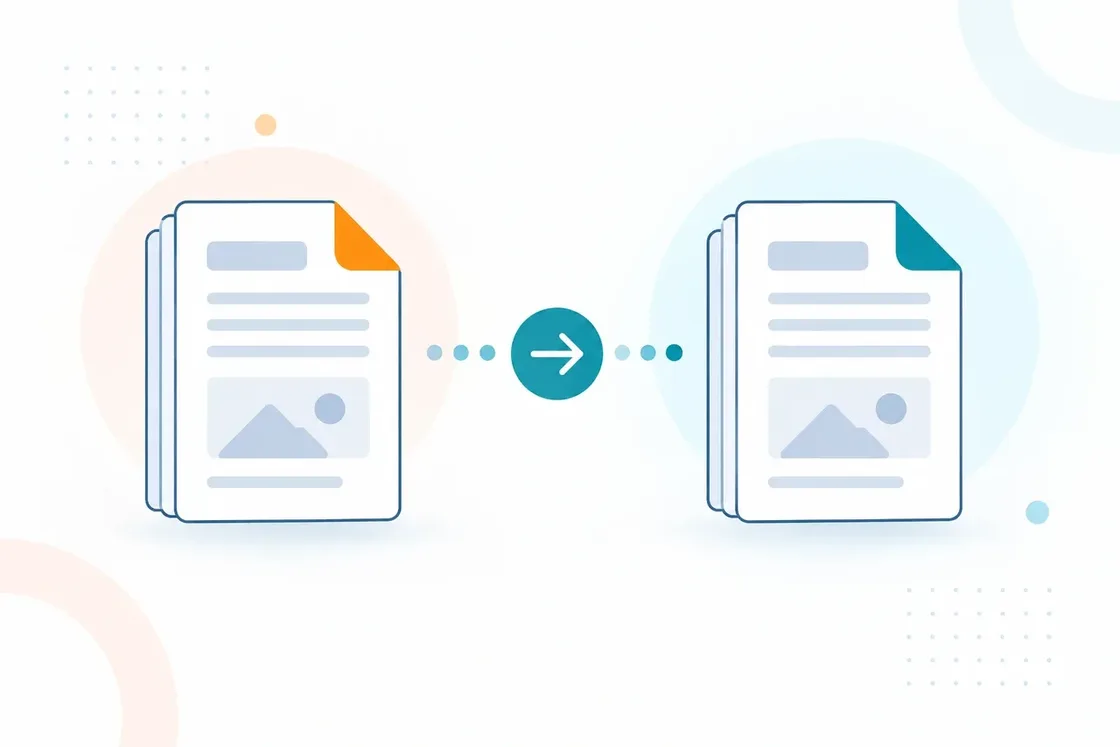
Choose the format your reader or viewer supports. Turn a DOCX into an EPUB so the text reflows to the screen, say, or an EPUB into a PDF to keep a fixed page.
Turn a DOC into a DOCX, or an ODT into a DOCX, to carry on in your own editor: make edits, add notes and get the book ready for layout.
Need only the text without formatting, for notes or for another program to process? Choose TXT or Markdown. The file opens anywhere.
SonikaAI accepts PDF (with text you can select), EPUB, DOCX, DOC, ODT, TXT and MD as input. The result can come back as TXT, MD, EPUB, DOC, DOCX or PDF. Once you upload a file, the converter shows only the result formats available for that file.
The file format is detected automatically.
Start the conversion. Processing runs in the background, so there is no need to wait on the page.
Open the file in your program and check the parts that matter: headings, tables, figures.
Translate an entire book into the language you need — no copying extracts, no piecing the text back together. Upload an EPUB or PDF, choose the full scope, and read or listen to the result.
Translate an EPUB into the language you need and get a book your e-reader can handle, with chapter navigation. Add narration and listen to the downloaded audio offline.
Translate DOCX, DOC, or ODT and get a structured document back, ready to edit.
Upload the file, choose the output format and pick up the finished book from your account.
Convert a book


