
Formatting stays intact
Headers, tables, styles, and footers are preserved, along with footnotes and endnotes.
Upload DOCX, DOC, or ODT and get a structured file you can keep editing.
Business letters, proposals, order confirmations, and learning materials often already have the structure you need. Document mode keeps Word styles, tables, and document elements in the result.
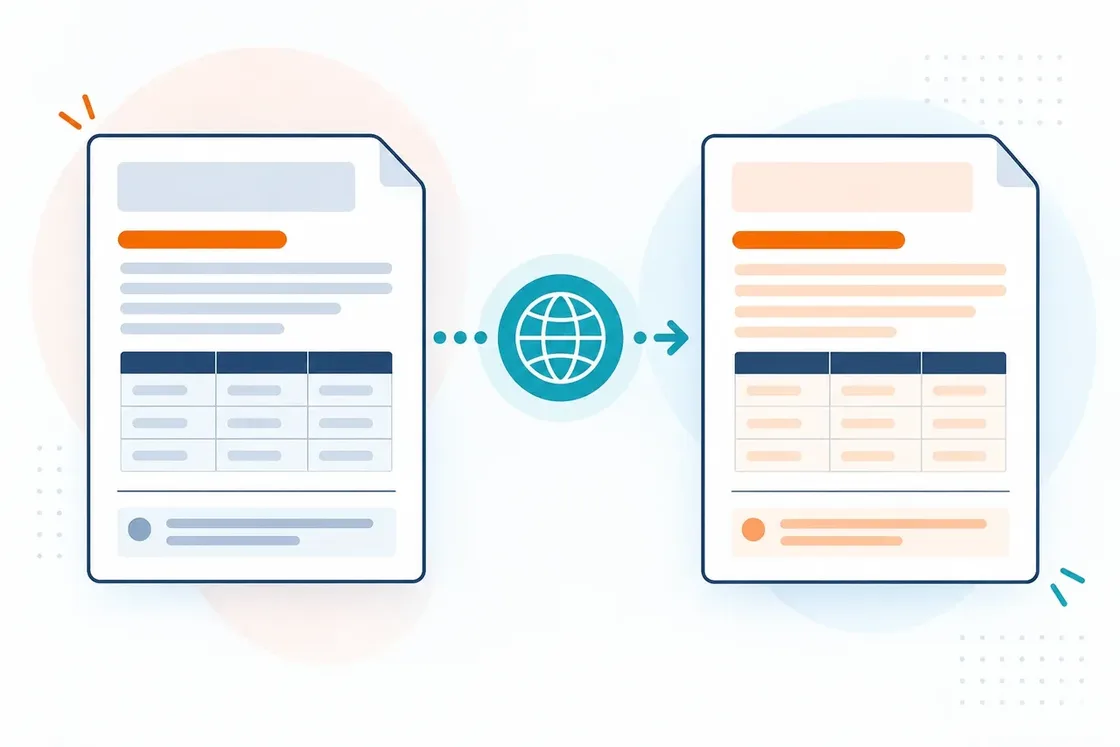
Headers, tables, styles, and footers are preserved, along with footnotes and endnotes.
Work with DOCX, DOC, and ODT in a familiar document workflow.
Get an audio version of the document and listen offline in your player — when listening is more convenient than reading a screen.
Choose a DOCX, DOC, or ODT file.
Set the translation direction.
SonikaAI will prepare the document in the background.
Review the document and continue editing it in your editor.
We skip recognized footnotes and boilerplate parts — you hear the content, nothing extra.
We narrate the whole document, footnotes included.
Available translation and narration volume depends on your plan and payment method.
You can enable masking of detected names, addresses, and other personal data before translation, depending on your plan and consent to cloud processing. The masking service receives the original text, translation only gets the masked version; this is not a guarantee of anonymity or data removal from the document.
Translate a book or document and get audio in the target language from a single upload. Listen to study and work material whenever it suits you.
Turn a PDF, Word file, EPUB or plain text into audio without translating it. Choose a voice, pick main text or full narration, and download the finished file.
What matters more for a Word file: the formatting, being able to edit straight away, or termbases? Compare what each service offers.
See how SonikaAI translates a Word document and keeps the formatting — a real example.
Start with a free sample to see the translation and the preserved formatting on your own file.
Translate a document


