
A translated EPUB for your e-reader
Download the translated EPUB and read it in your usual app — headings, paragraphs and movement between chapters included. The navigation table of contents is built from the book headings we recognise.
Upload the book and get a translation that reads in order, with navigation across the chapters we recognise. Want to listen on the move? Add narration to the translation.
Translate the EPUB once and come back to it whenever it suits you — carry on reading in the evening, or switch to audio on the move. The file stays in your account, with no second translation and no hunting down the ebook again.
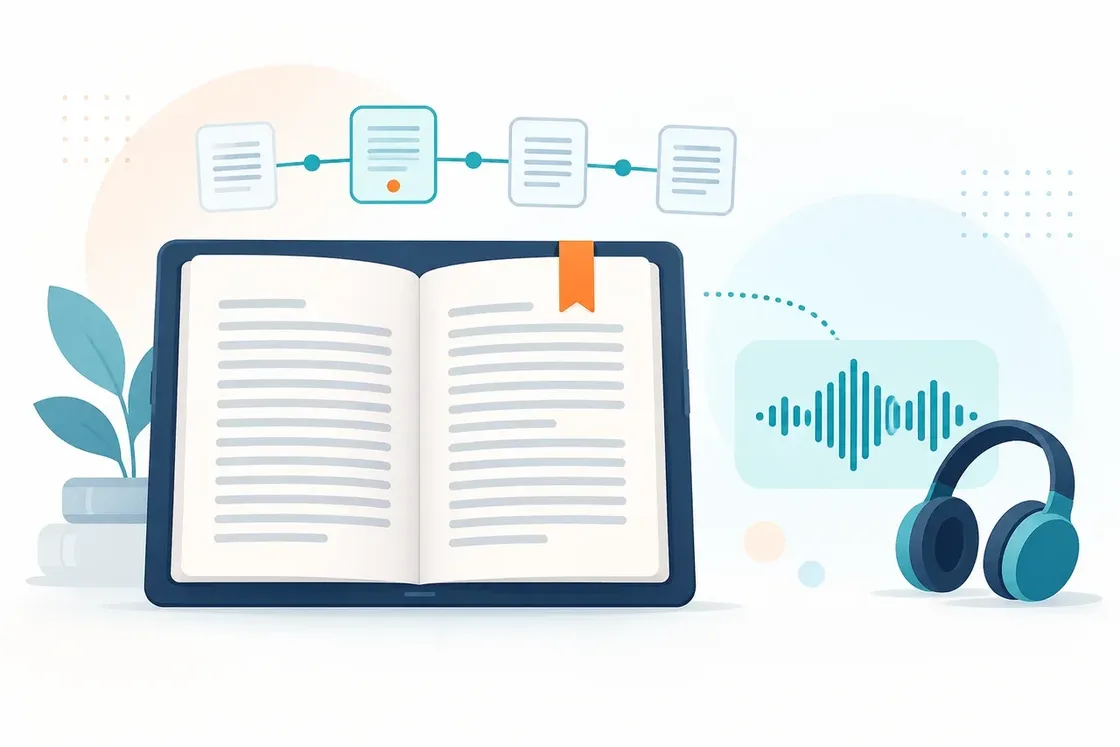
Download the translated EPUB and read it in your usual app — headings, paragraphs and movement between chapters included. The navigation table of contents is built from the book headings we recognise.
SonikaAI strips out the running heads and page numbers it recognises so they do not interrupt your reading. The table of contents stays available so you can jump between chapters, but it is not inserted as a chapter of its own by default.
Choose translation with narration to get both text and audio from a single upload. If SonikaAI recognises the chapters, you get one M4A file with chapter marks; if not, an MP3.
To listen without interruptions, choose main text — no recognised boilerplate, notes or bibliographic references. If you want them, choose full narration.
Choose translation and upload the EPUB you want to work with.
Set the language, and pick a voice if you want audio.
For audio, say what should be read out: main text or full narration.
Start processing and download the finished files from your account.
Book mode is built for reading text in sequence. If your EPUB depends on tables, diagrams or a complex layout, check a sample first: the layout is not guaranteed to survive. EPUB always goes through Book mode — there is no Book/Document choice as there is for PDF, and no page range either.
How much you can translate and narrate depends on your plan and how you pay. For narration it may cover fewer pages than for translation alone.
Translate a book or document and get audio in the target language from a single upload. Listen to study and work material whenever it suits you.
Turn a PDF, Word file, EPUB or plain text into audio without translating it. Choose a voice, pick main text or full narration, and download the finished file.
For a whole book, compare the translation, the formats you can read it in, and how you get an audio version — then pick what fits your task.
Start with a free sample to judge the translation, the navigation and the voice on your own EPUB.
Translate an EPUB


