
After a lecture
Re-read the explanation that lost you and add what you need to your notes.
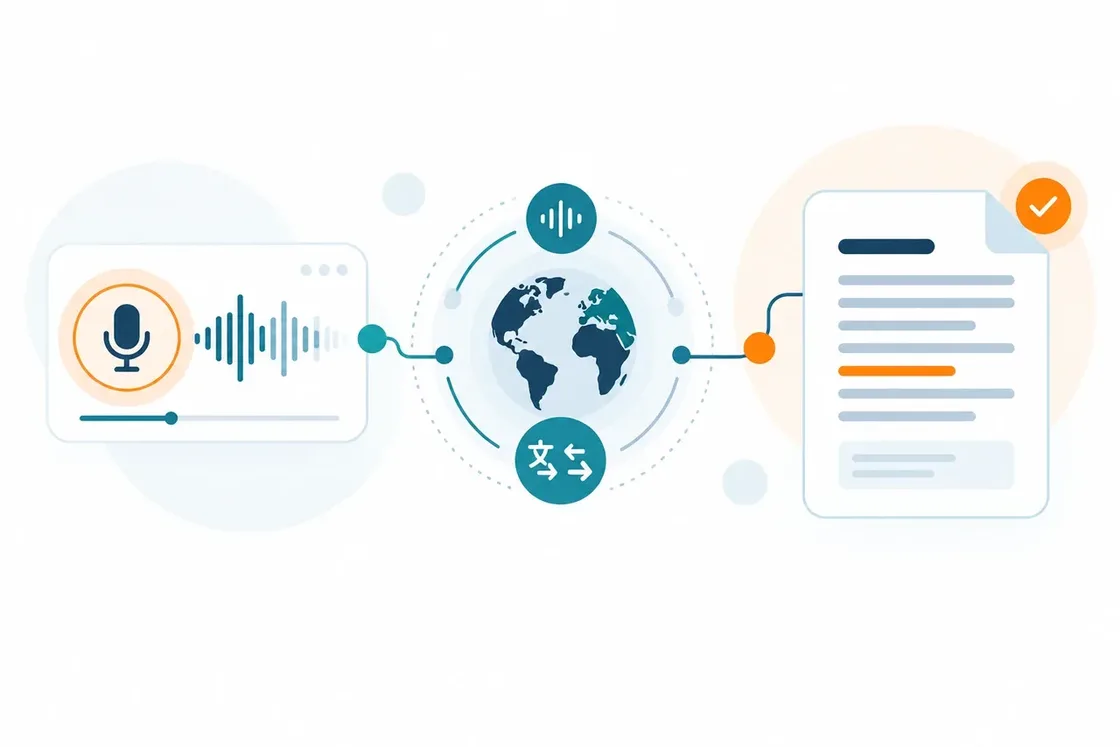
Upload a lecture, interview or voice memo, pick the output language: SonikaAI recognises the speech and translates it at once. No translation needed? Get the transcript in the original. Audio to text comes with a paid plan; the free trial covers translation and narration.
SonikaAI recognises the speech and can translate it straight away if you want, leaving you with finished text to work on: pick out what matters, add to it and edit it.
Alongside the plain transcript, you get a second file — "Transcript with timestamps": the same text, split into lines with a time marker on each. It makes it easy to jump straight to a moment in a long recording or check a quote against the original. The file appears in your account next to the plain transcript in nearly every run — with rare exceptions when a different recognition provider handles the job.
Re-read the explanation that lost you and add what you need to your notes.
Work with the answers as text: pick your quotes and get the material ready to edit.
Turn voice memos into the basis of an email, an article or a plan.
Set the language of the recording.
The same one for a transcript, a different one for a translation.
The finished text will be waiting in your account.
MP3, WAV, M4A, AAC and OGG are supported, along with the DSS and DS2 formats used by dictation recorders. If your recording is in one of these, upload it as it is — no converting it in another program first.
A clear voice and less background noise give a more accurate result. Several voices at once, quiet replies, or heavy use of names and terms are worth checking against the original.
Turn a PDF, Word file, EPUB or plain text into audio without translating it. Choose a voice, pick main text or full narration, and download the finished file.
Translate a book or document and get audio in the target language from a single upload. Listen to study and work material whenever it suits you.
Need a transcript with a timestamp on every line? Compare SonikaAI, Otter.ai and ElevenLabs — what the timing actually shows and whether speakers are identified.
Come back to your recording in writing — in its original language, or translated.
Start processing


