
Content export from a CMS
Pages, products or articles exported to XML. The text inside the elements gets translated, and the document structure stays valid for re-import.
Upload a CMS export, a settings file, or a data feed. Only the text inside the elements is translated. Tags, attributes and structure stay exactly as they were.
An XML file contains tags, attributes and nested elements with strict rules. Translating it by hand means editing the text inside the markup without breaking a single tag or attribute. SonikaAI recognizes the text inside the elements, translates only that, and returns a file in the same structure — ready to use in place of the original.
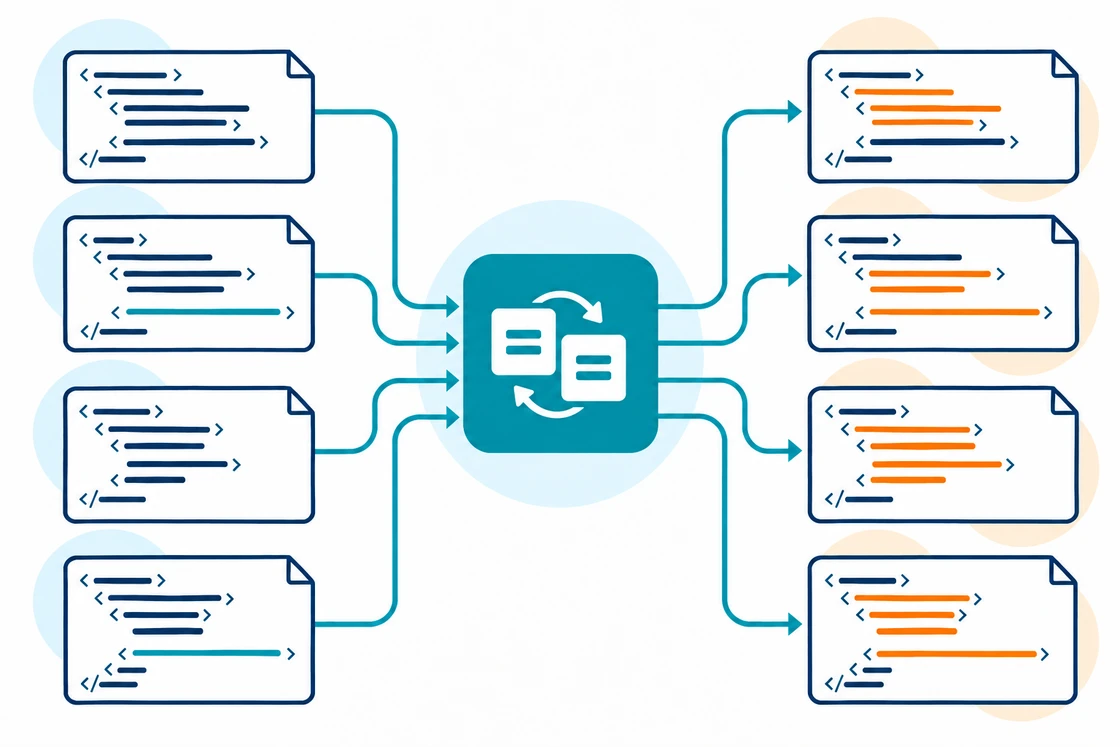
Pages, products or articles exported to XML. The text inside the elements gets translated, and the document structure stays valid for re-import.
The text values of the settings are translated, while element names, attributes and numeric parameters stay unchanged — the file can be plugged back in without extra editing.
A product feed or RSS with text elements. The format stays compatible with the program or service that uses it.
SonikaAI translates only the human-readable text inside the elements. Tag names, attributes, numbers, dates, identifiers and URLs are left alone, and nesting, element order and the overall document structure stay exactly as they were — so the result can be used in place of the original.
The document structure is detected automatically.
Pick the language you want the file translated into.
You can track progress from your account and download the result once it's ready.
Spot-check a few elements to confirm that tags and attributes are unchanged.
This tool is especially useful when you need more than a one-off uploaded file — for example, regular translation of an XML export or data feed in your own system. Get in touch with us to learn more about integration on our business page.
Translate the interface strings in a JSON or YAML file — then plug it straight back into your app. Keys stay the same; only the values are translated.
Translate the text columns in a CSV file and get back the same file in another language. Numbers, IDs and codes stay untouched, so the structure is ready to import as-is.
The B2B add-on unlocks book and document workflows, centralized organization user management, usage tracking, data protection, and REST API access.
Translating a config file or a data export? Compare what each service gives you back — a ready file in the same format, or a project you still need to export.
Upload an XML file and check the result with your own file. Start with a free sample, and use a plan or one-off payment for full processing.
Try it with your file


