
SonikaAI can now translate and narrate scanned PDFs automatically, and the interface is available in French and Spanish for all users — two meaningful additions that open the service up to a wider range of documents and readers.
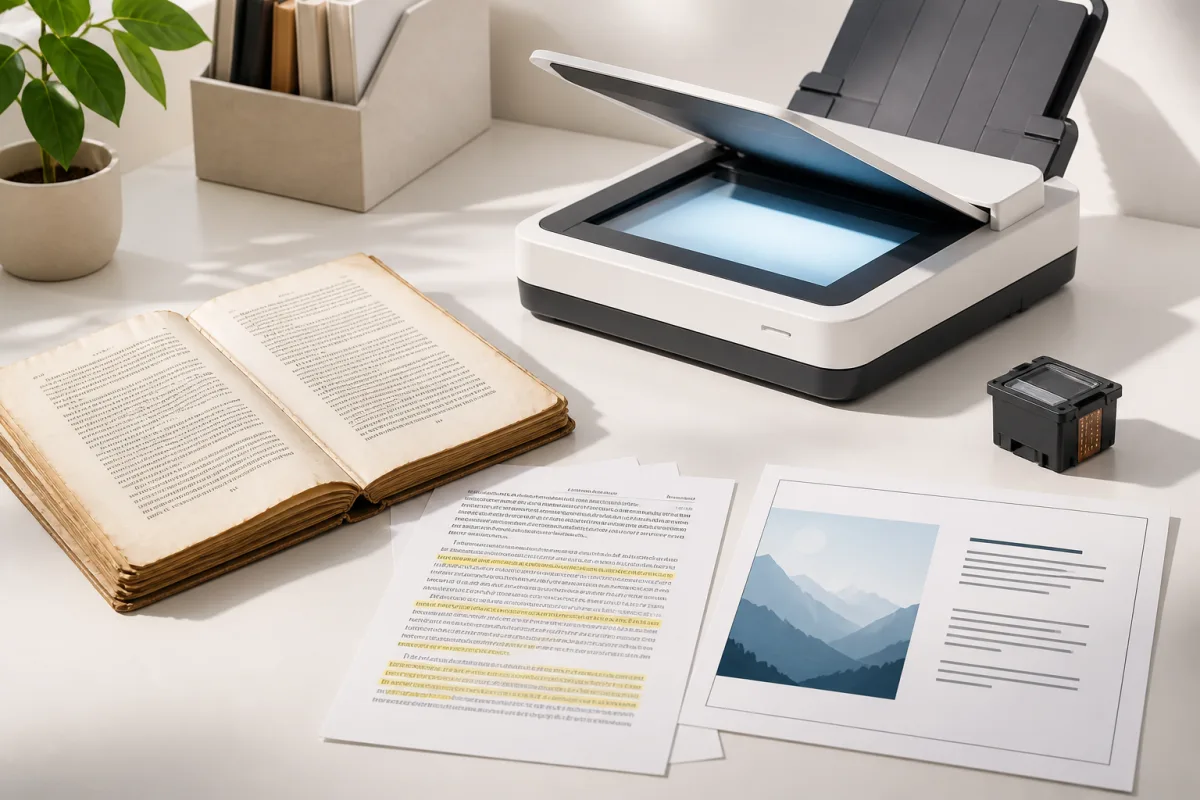
An old print edition with no digital version, an archival brochure, a textbook scanned page by page — that kind of PDF looks like a book on the outside, but contains only images inside. Until now, that meant a dead end: no text to process. SonikaAI can now extract text from those pages automatically, then run the file through the standard pipeline: chapters and footnotes are detected, translation is applied, and an audio version is produced if you want one. The whole thing runs in the background, so you can step away and come back to the result.
If you only need a searchable, copyable version without translation or narration, there is a dedicated Recognize PDF page for that. You get the same document back with pages that look close to the original, but with real, selectable text — and moving from there to translation or voiceover is a single step if you need it.
Scanned PDF processing is available on all plans, including the free Demo tier. On Demo, you can check how the first pages of your file come out before committing to anything; on a paid plan, the full document is processed. If a particular file turns out to be unsuitable for processing, you are told before anything starts, and nothing is charged.
French and Spanish interface languages
The SonikaAI interface is now available in five languages. French and Spanish join the existing Ukrainian, English, and German, covering the full experience: the main site, registration, the application itself, and every page within it. If you have colleagues or contacts who prefer to work in French or Spanish, the service is ready for them without any workarounds.
Got a scanned document that has been sitting in a folder untouched? Upload it and see how it reads — or sounds — in another language. You can start free without a card, and the opening pages of your file are processed at no cost so you can judge the result before paying anything. For a broader look at what SonikaAI handles with PDFs, the post on how PDF translation keeps layout intact in Document mode covers the native-PDF side of the picture.