Translate a PDF Without Losing Layout or Formatting
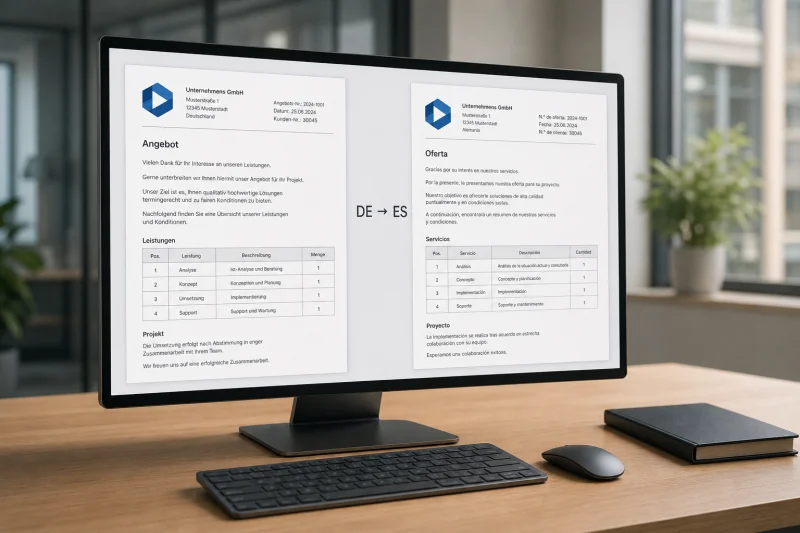
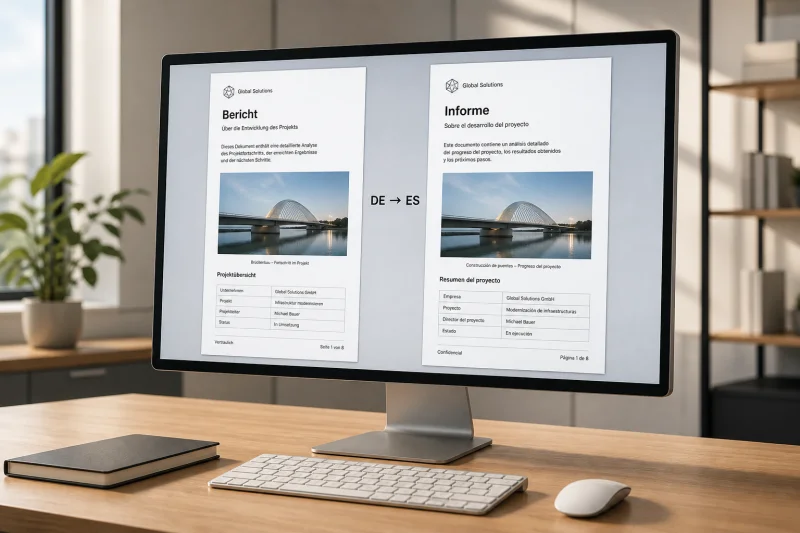
Most online tools strip PDF formatting entirely. SonikaAI Document mode keeps your layout, headings, and images exactly where they were.
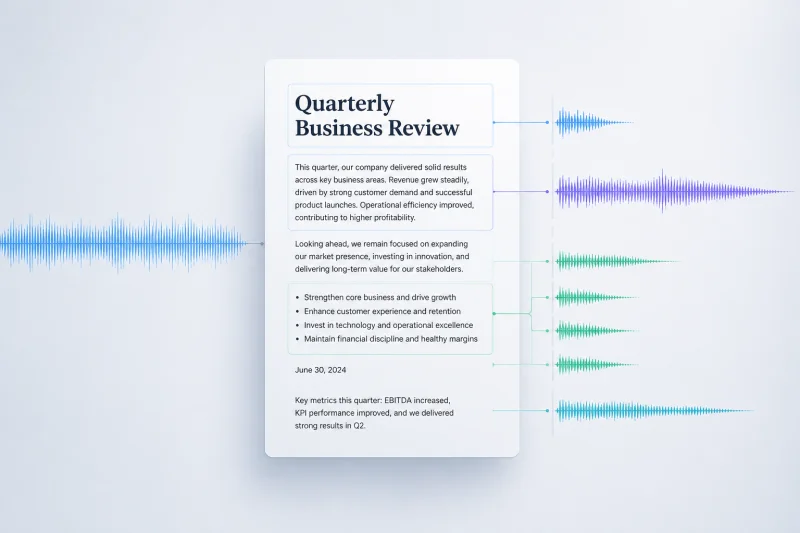

Tired of flat, monotonous text-to-speech that ignores headings and lists? SonikaAI narrates documents with natural pauses, proper intonation, and real structure.
A teacher shares how SonikaAI replaced slow paragraph-by-paragraph translation with full-document translation that keeps formatting intact — freeing up lesson time for actual teaching.
After a long day at a screen, your eyes need a break. SonikaAI turns your backlog of saved articles and documents into clean audio so you can finally catch up, hands-free.
Stop copying paragraphs into a translator one by one. Upload your DOCX file to SonikaAI and get the full document back with headings, lists, and structure intact.
Studying with materials in a foreign language takes twice the effort. SonikaAI lets you turn lecture notes into a native-language audio version without manual work.
A whole folder of unread articles, a daily commute, and no time to sit down and read. SonikaAI turned that backlog into audio — without juggling multiple tools.
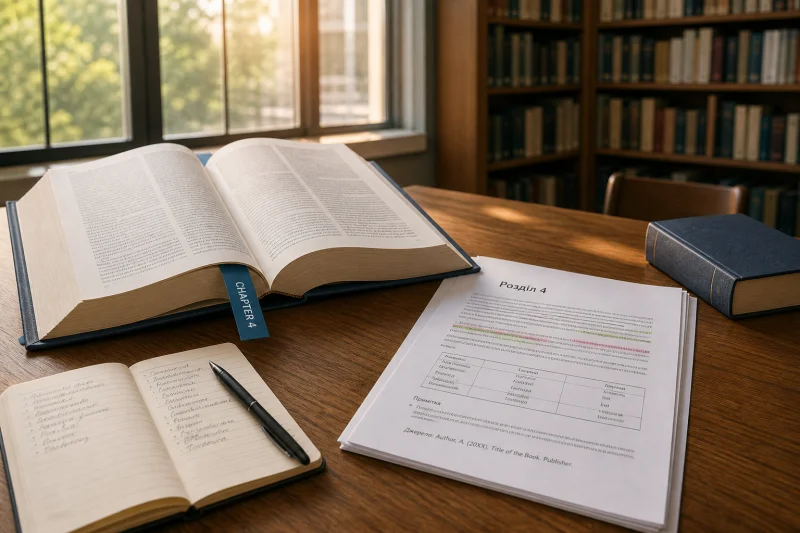
Need just one chapter from a dense foreign monograph? SonikaAI lets you set a page range so you translate only the section you need, structure intact.
Discover how one reader translated and voiced a 400-page book overnight using SonikaAI — no dictionary marathon, no waiting with an open tab.
SonikaAI removes the technical layer between you and your finished document. Upload a file, choose a language, and get your result without configuring a single tool.
As a student, I often need to read English articles and books in Ukrainian. Previously, this took hours of manual translation or using inconvenient online services. Now I found a solution that works in 5 minutes.